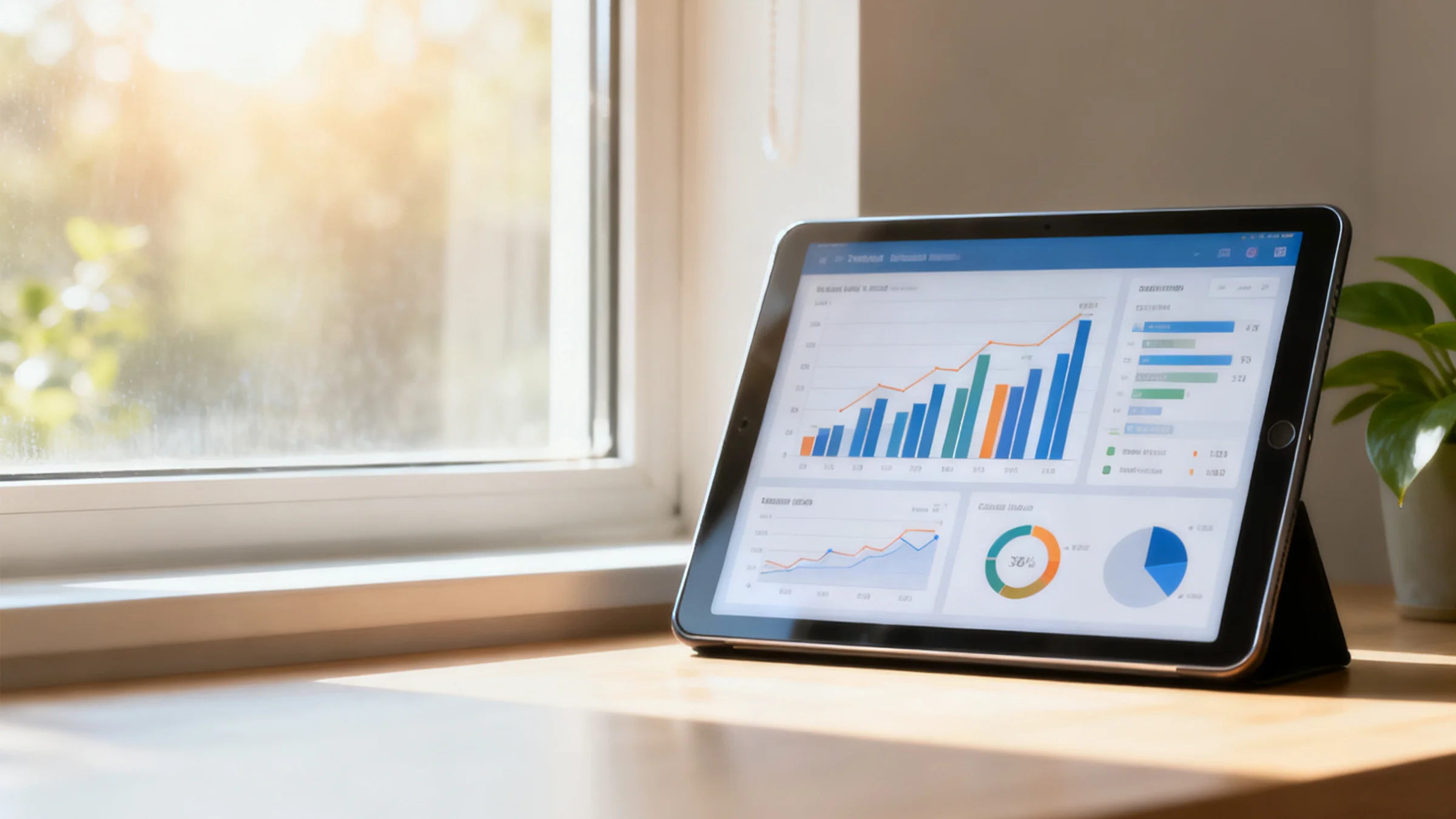
Dashboard (CO₂ Tracker & Leaderboards)
The EzFlow Dashboard is where numbers tell the story of impact. It's a dynamic interface – available within the EzFlow app for users and as a web view for program coordinators – that showcases carbon footprint data, progress, and rankings in real time. By visualizing our collective efforts, the dashboard motivates participants and provides transparency. It turns abstract emissions data into something personal, actionable, and even fun.
Personal CO₂ Tracker
See how your daily choices add up. Track your carbon savings, streaks, milestones, and progress with friendly visuals designed to motivate learners of all ages.
Tips & Comparisons
- Saving 10 kg of CO₂ is like preventing 25 miles of car travel.
- Walking or biking just twice a week boosts your score quickly.
- Small steps add up. Try beating last week's progress.
Breakdown by Activity
Next Milestone
You're getting close. Keep going!
Projected Annual Impact
At this rate, you could save this much CO₂ in a year.
Leaderboards and Team Stats
Friendly competition boosts engagement, and our leaderboards help you see how you compare across individuals, schools, workplaces, and the global EzFlow community.
Organizational Dashboard
In addition to user-facing stats, EzFlow provides a more detailed dashboard for program coordinators and sponsors.
For School Administrators & Teachers
Each participating school gets access to a private dashboard showing the school's overall performance. It aggregates student data (anonymously) to show total active participants, total CO₂ saved by the whole school, and progress toward school-wide goals. Teachers can download reports — handy for sharing with the school board or in newsletters (e.g., "Our students saved 500 kg of CO₂ this term!"). There's also a feature to send encouragement messages or updates to participants, and to set up new school-wide challenges.
For Business Sponsors
As described on the Business page, sponsors have their own dashboard focusing on the impact of their contributions. This includes charts showing EcoCoins distributed vs. redeemed, CO₂ savings attributed to their sponsorship, and engagement metrics like how many schools or users they've reached. Sponsors can also manage their sponsorship settings (for example, allocate more EcoCoins for a surprise bonus challenge, or schedule a sponsored content message in the app). We design this interface to be executive-friendly: clear graphs, exportable data, and a snapshot summary that can be pasted into reports.
All these coordinator dashboards are secure and web-based, leveraging AWS best practices (Cognito for authentication, and a secure database for data integrity). Only authorized users (like a school's lead teacher, a sponsor's liaison, or EzFlow admins) can access these dashboards. Meanwhile, our public website highlights only aggregate, anonymous data for promotion. This way, detailed data stays behind login walls to ensure privacy, while we can still showcase overall success on the public side.
Motivational Design
The dashboard is designed to inspire positive habits using behavioral science, gamification, and uplifting visuals that celebrate progress in fun and meaningful ways.
Goal Progress
Visual goal progress helps users stay motivated as they approach a milestone.
Positive Social Proof
85%
Most of your classmates logged a green trip this week, join them and keep the momentum going.
Celebrate Achievements
Confetti and badges appear for streaks and milestones to reward consistency.
- •Progress bars and goal meters that fill as users approach targets.
- •Positive social proof like classmates' participation rates to spark engagement.
- •Encouraging messages and milestone highlights instead of guilt-driven design.
- •Animations and badges that celebrate streaks and achievements.
- •Adaptive goals during slow periods like holidays to keep motivation high.
Check Live Leaderboards
Curious about how schools, teams, and individuals are performing right now? Explore the live leaderboards and see real time climate action stats.
View Leaderboards